Our take
Personal notes & knowledge
Start with Joplin for notebooks and attachments. Evaluate Logseq’s file and beta database workflows separately.
CHOOSE BY TASK
Which option fits your work?
Compare by the work you need to do
Joplin
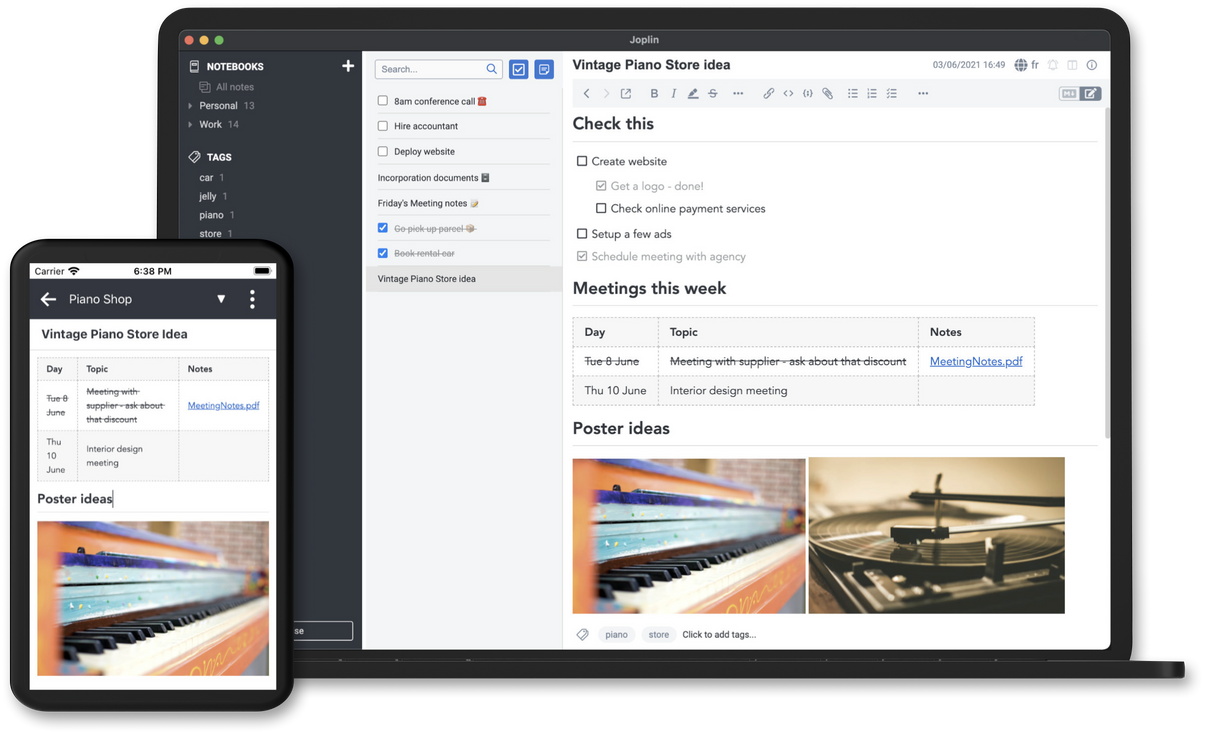
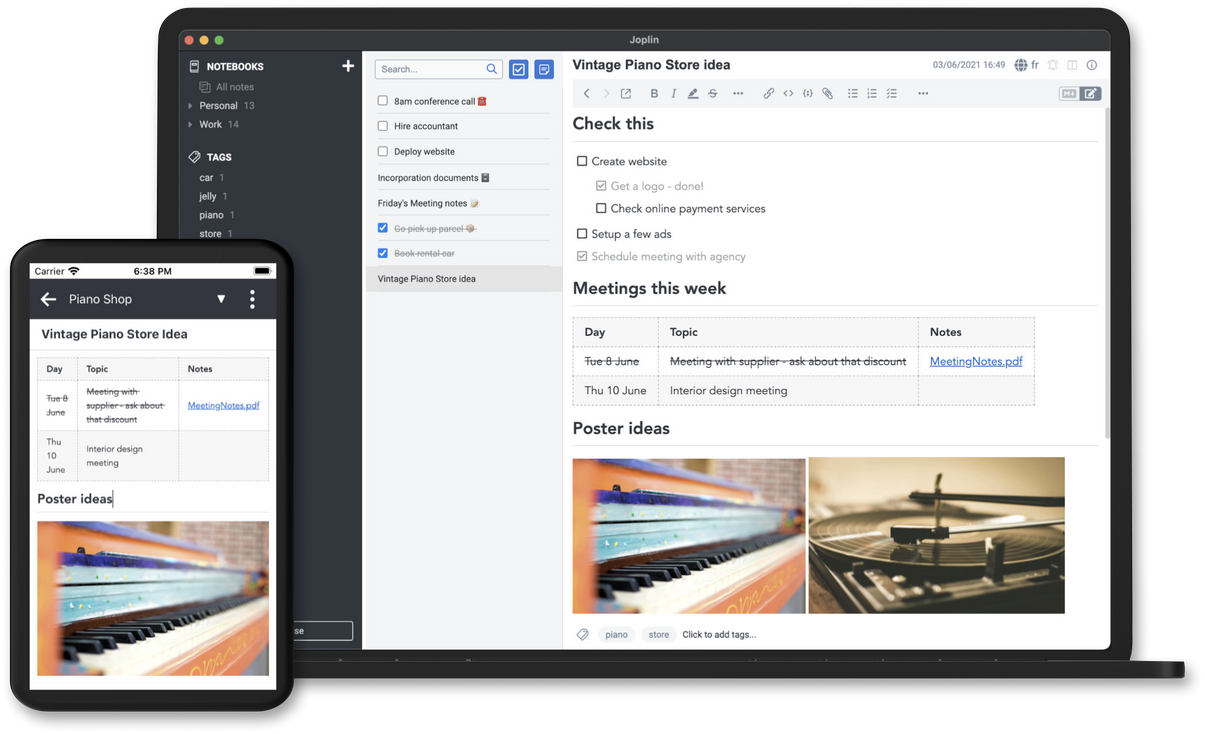
Established projectJoplin organizes personal notes and attachments across desktop and mobile apps. Its repository applies AGPLv3-or-later by default but explicitly excludes directories with their own license, including the server. Joplin Cloud is an optional service, not proof that every hosting option shares one license or price.
What to check first
- Test imported formatting, attachments and note links.
- Hosted collaboration and self-hosted server terms need separate review.
Logseq
Mixed maturityLogseq centers on connected notes and outlines. The current repository labels the new database version beta and its new mobile app and real-time collaboration alpha. These warnings should not be hidden behind a general claim that every version is established.
What to check first
- The project warns that the database beta can lose data; use a test graph and backups.
- File graphs, database graphs and sync options must be evaluated separately.
Migration checklist
Import a small export and verify formatting, attachments, note links, search and synchronization.
Representative test material
A notebook export containing formatted notes, attachments and internal links.
These are suggested test inputs, not guarantees that every format or feature is compatible.
- Work on copies of representative files.
- Complete a small real task, including export and delivery.
- Ask collaborators to check the result before migrating.
For personal use
Start with one copied notebook and verify your most-used mobile and desktop tasks.
For teams
Check shared access, conflict handling and hosting terms rather than assuming consumer sync covers team needs.
When to keep the original
Keep Evernote while essential shared notebooks or imported content cannot be preserved acceptably.
Primary sources
This is a review of official documentation and source repositories, not a hands-on certification. Test your own files before migrating.